Custom Email Setup
Connect Your IMAP Email Inbox to Word.now
Not on Gmail or Outlook? Word.now connects to any IMAP-compatible email server - Yahoo Mail, Fastmail, ProtonMail Bridge, Apple Mail, and your own domain. AI sorts your inbox into 7 colour-coded folders and drafts replies that sound like you - Regardless of your email provider.
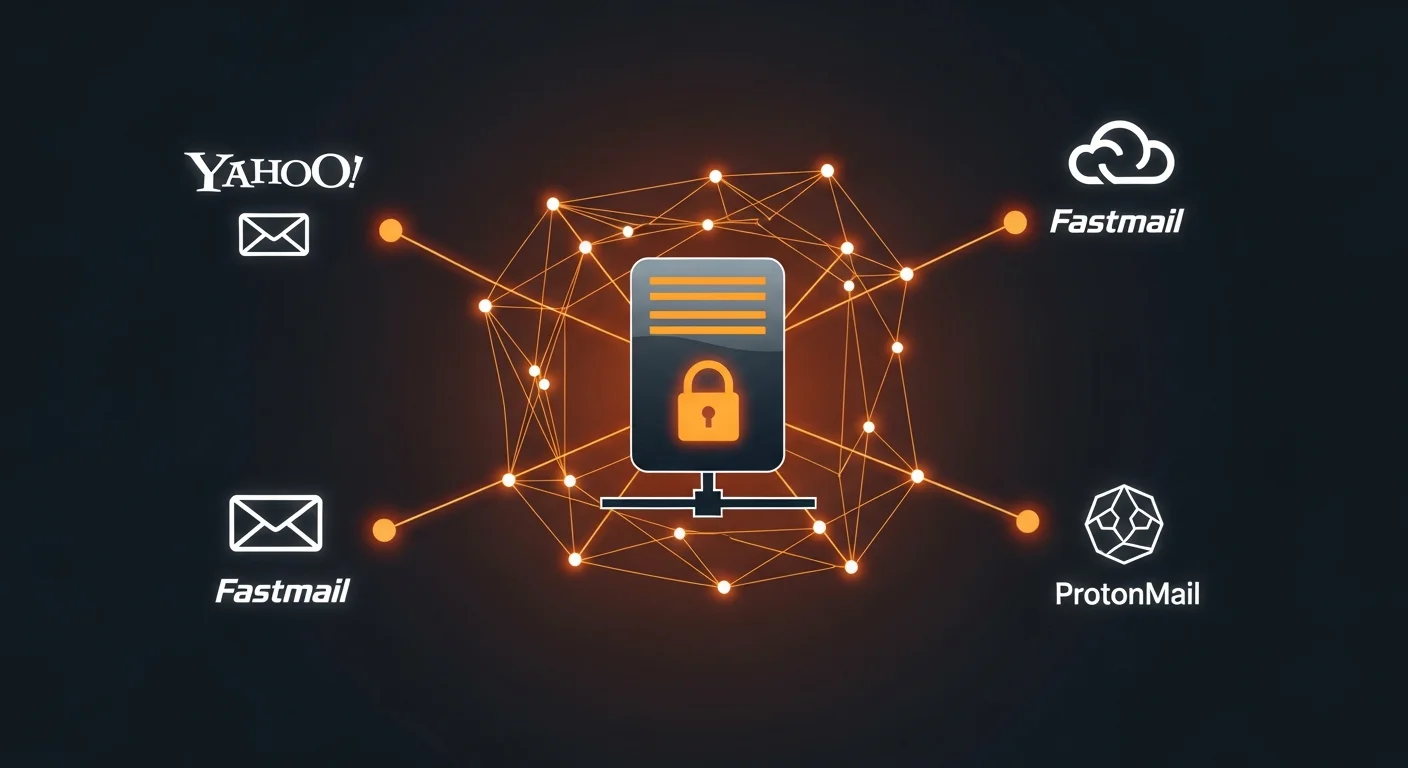
How it works
What is IMAP and why does it matter?
IMAP (Internet Message Access Protocol) is the standard way email clients read your messages from a mail server. Every major email provider supports it - It is how Outlook, Apple Mail, Thunderbird, and most other apps connect to your inbox behind the scenes.
When you connect a custom IMAP account to Word.now, you provide your server address, port, and login credentials. Word.now uses these to read your incoming emails and surface them in a clean, categorized inbox view - Exactly like Gmail and Outlook, but for any email provider.
SMTP (Simple Mail Transfer Protocol) is the complementary standard for sending email. You can optionally add your SMTP details so Word.now can help compose outgoing replies through your provider directly.

Setup guide
How to connect your email in 3 steps
Create your account
Sign up for Word.now free. No credit card or inbox access required to start - You can test the reply generator first.
Add your IMAP server
Go to Settings → Integrations → Custom Email Server. Enter your IMAP host, port, username (email address), and password. Click Test to verify the connection.
Sort & manage your inbox
Click Sort inbox in your dashboard. AI classifies up to 50 emails and copies each into a Word.now folder - Created directly inside your mailbox. Open any email to generate a reply in your tone.
The 7 Word.now categories
Each category maps to a folder created inside your IMAP mailbox - E.g. Word.now: to respond. Emails are copied, not moved, so your inbox stays intact.
Features
What Word.now does with your custom email
7-category folder sorting
AI classifies every email into one of 7 categories and copies it to a matching folder - Created directly inside your IMAP mailbox. Originals stay in your inbox.
AI reply drafts in your voice
Open any email and generate a reply draft. Word.now learns your writing style so drafts sound like you, not a generic AI template.
Automatic periodic sync
Set an auto-sync interval - Every 12 hours on the free plan, down to every 5 minutes on Pro. Word.now re-sorts your inbox on schedule, no manual clicks needed.
Encrypted credentials
Your IMAP password is encrypted at rest using your account key. Word.now never stores credentials in plain text and never shares them with third parties.
The writing layer
How the AI email writer works with any inbox
The AI reply generator is the core of Word.now - And it works independently of which email provider you use. When you open an email in Word.now's inbox view, the full thread is passed to the AI along with your reply identity - Your tone settings, saved writing examples, and preferred phrases. The output is a draft that reflects how you actually write, not a generic "I hope this email finds you well" template.
If you prefer not to connect your inbox at all, you can paste any email directly into the free reply generator and get a draft in seconds. No account or server connection required for this workflow - It is the fastest way to see the quality of the output before committing to a full setup.
For users who do connect via IMAP, the advantage is context: Word.now can read the full thread history, see who you have replied to before, and learn from your sent emails over time. That context makes drafts significantly more accurate for ongoing relationships and multi-turn conversations.
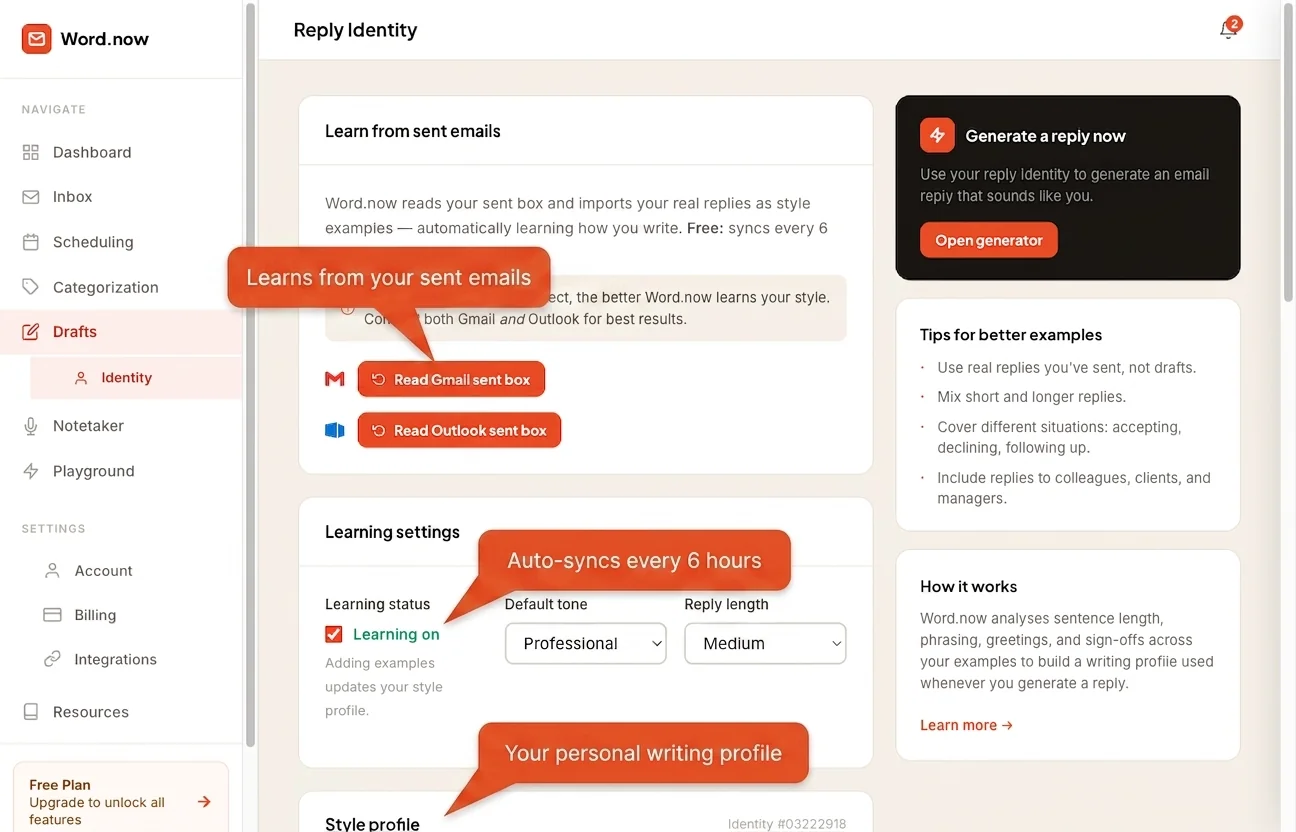
Privacy & security
What Word.now does (and does not) do with your email
Word.now reads emails from your IMAP server to display them in the inbox view and to generate reply drafts. That is the complete scope of what the IMAP connection is used for. Word.now does not send email on your behalf (unless you also configure SMTP and explicitly use that feature), does not use your email content to train AI models, and does not share email data with third parties.
Your IMAP password is encrypted before storage using a key derived from your account. If you delete your custom server connection, the credential is permanently removed. For the full picture of how Word.now handles data across all integrations, see the security and privacy page.
Connect your inbox in under 2 minutes
Works with Yahoo, Fastmail, iCloud, ProtonMail Bridge, Zoho, or any IMAP server. AI folder sorting, reply drafts, and auto-sync included. Free to start - No credit card required. See pricing for what each plan includes.