Free AI inbox organizer -
automatic labels for Gmail & Outlook
AI reads every email and applies 7 color-coded labels directly in Gmail or Outlook. See what needs your attention the moment you open your inbox - Without lifting a finger.

Stop drowning in email.
Start organizing clearly.
The average professional receives 121 emails a day. Without a system, important messages get buried under newsletters, automated notifications, and follow-ups that spiral out of control. Word.now brings order - Automatically.
- Labels applied directly inside Gmail - No new app to learn
- AI reads sender, subject and preview - Never your full email
- Runs on a configurable schedule, fully hands-free
- Connect Gmail or Outlook in under 2 minutes
Every email sorted into categories.
Every label has a color.
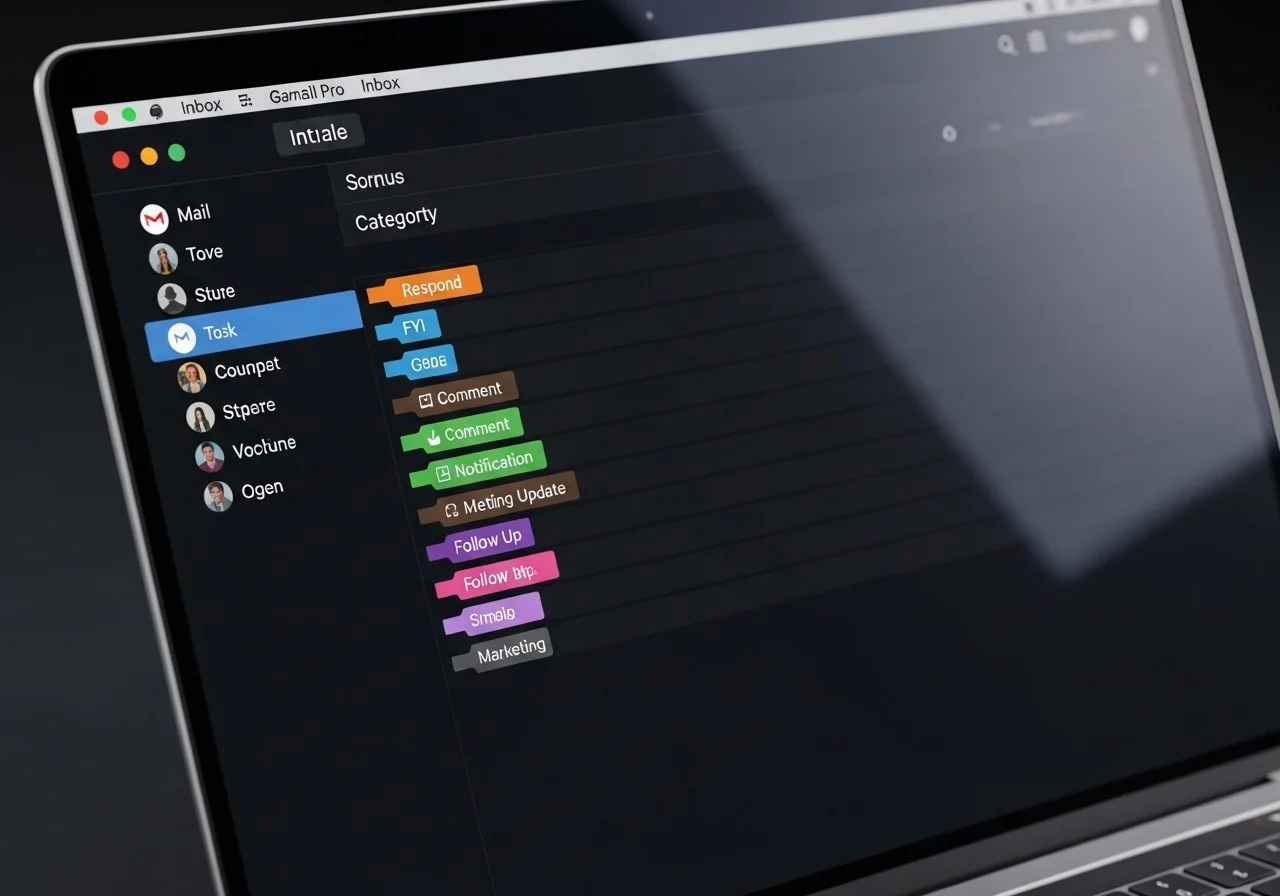
Word.now assigns exactly one label per email from 7 smart categories - Color-coded so you see what matters at a glance, directly in your Gmail view.
To respond
For your information
Comment
Notification
Meeting update
To follow up
Marketing
Three steps to inbox organization,
then it runs itself
No complex setup. Connect your inbox once and choose how often labels refresh - Word.now handles everything else on autopilot.
We read sender and subject only.
Never your full emails.
Word.now only reads what Gmail already shows in the inbox view - Sender, subject line, and the first line of each email. We never access full email bodies, never store your content, and you can revoke access at any time from Google's security settings.
- Only reads sender, subject and snippet - Not full email content
- OAuth tokens stored encrypted, deleted immediately on disconnect
- No data sold or shared with third parties
- Revoke at myaccount.google.com/permissions any time
Everything you need to know
A cleaner inbox starts today
Create a free account, connect Gmail or Outlook in 60 seconds, and let AI do the sorting - So you can focus on what actually matters.
No credit card · Connects in under 2 minutes · Free forever